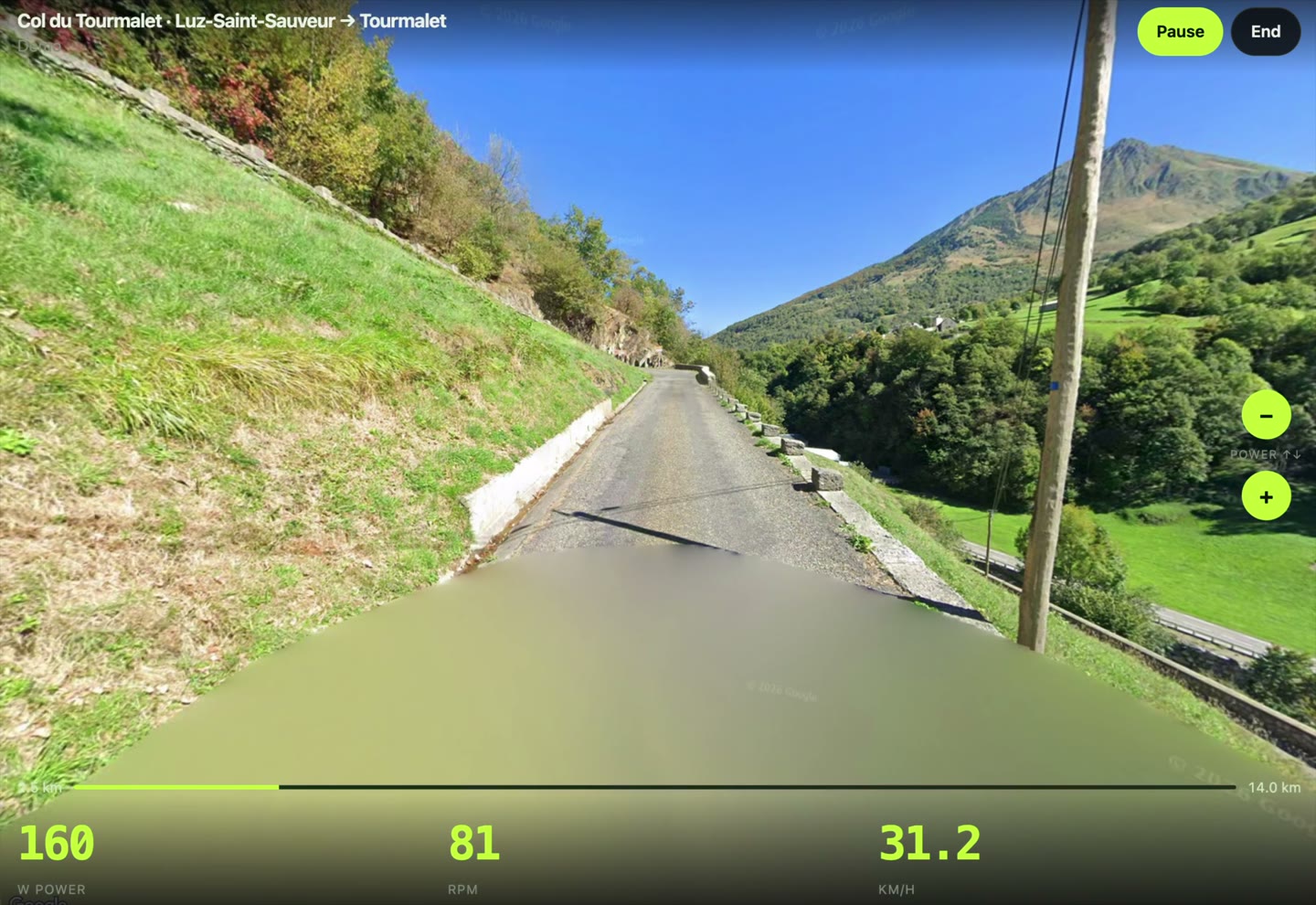
Indoor cycling with Google Street View
Ride any road in the world indoors.
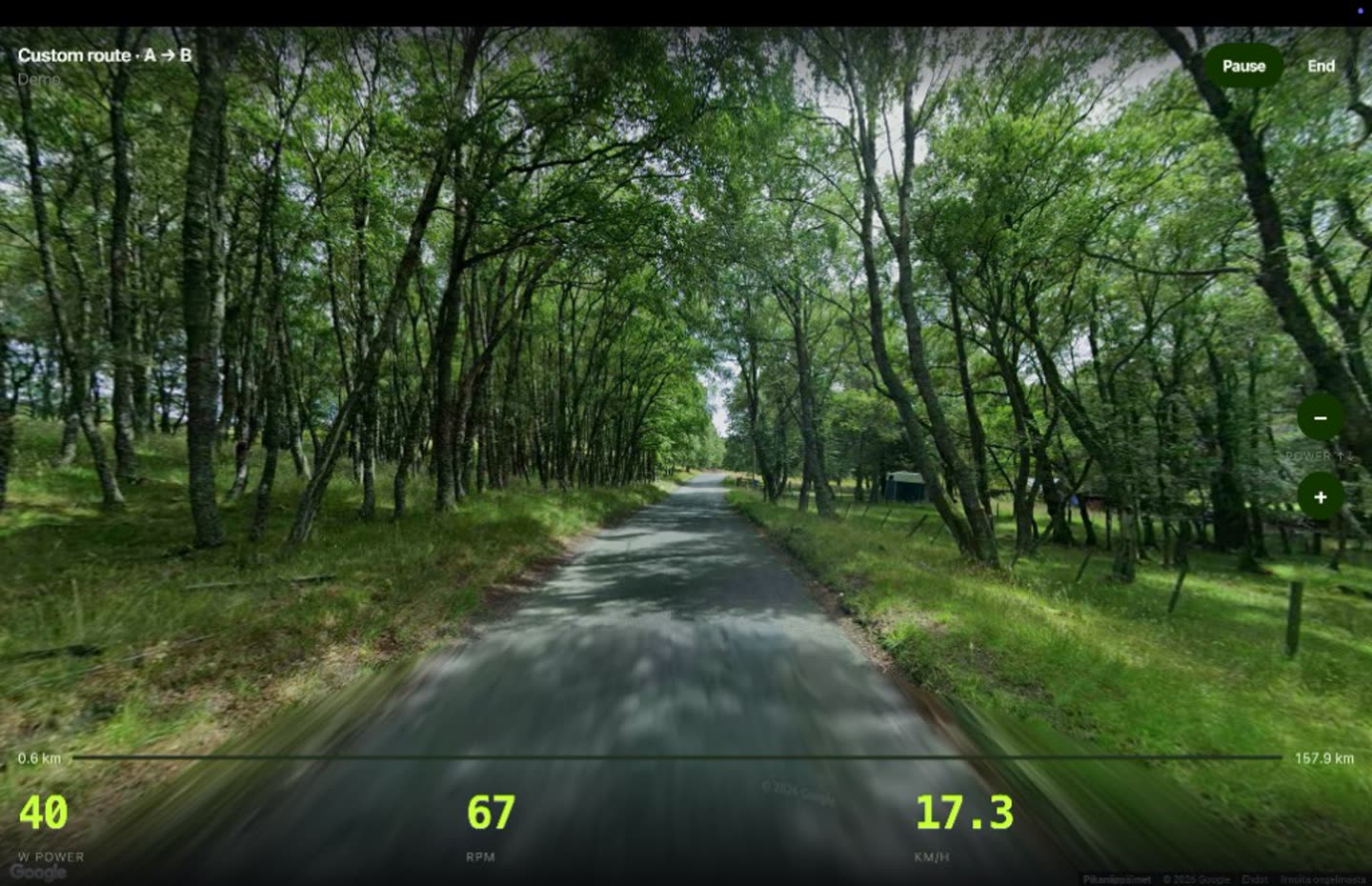
Not a cartoon island. Real streets, your trainer, your speed — anywhere Street View goes.
What’s your reason to ride?
- Any road, not a catalog Type a place or tap A to B. Famous climbs are quick starts. You are not stuck on a filmed library.
- Real Street View streets Not a cartoon world. Real roads moving with every pedal stroke.
- Your trainer, your speed Wahoo KICKR or compatible Bluetooth trainer. Pedal harder, the road moves faster.
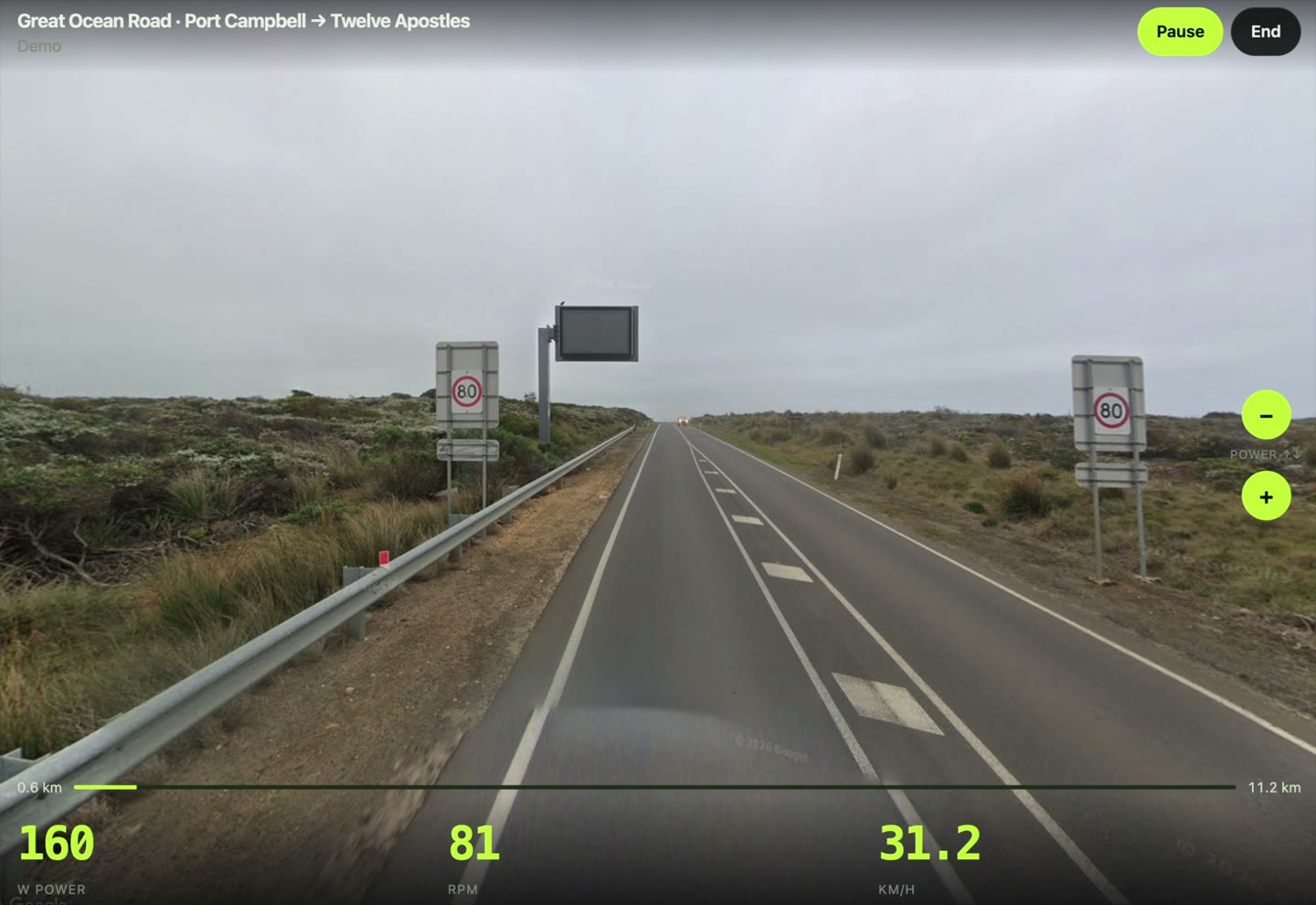
Ride something real
Start with a famous climb, or pick any two places covered by Street View.
Trollstigen · Alpe d’Huez · Stelvio Pass · Mallorca · Col du Tourmalet · Transfăgărășan
Pick by what you actually want
How Street View indoor cycling works
- Create your account Choose membership and manage it from billing when needed.
- Connect a trainer Use Wahoo KICKR or compatible Bluetooth smart trainer. Demo works without trainer.
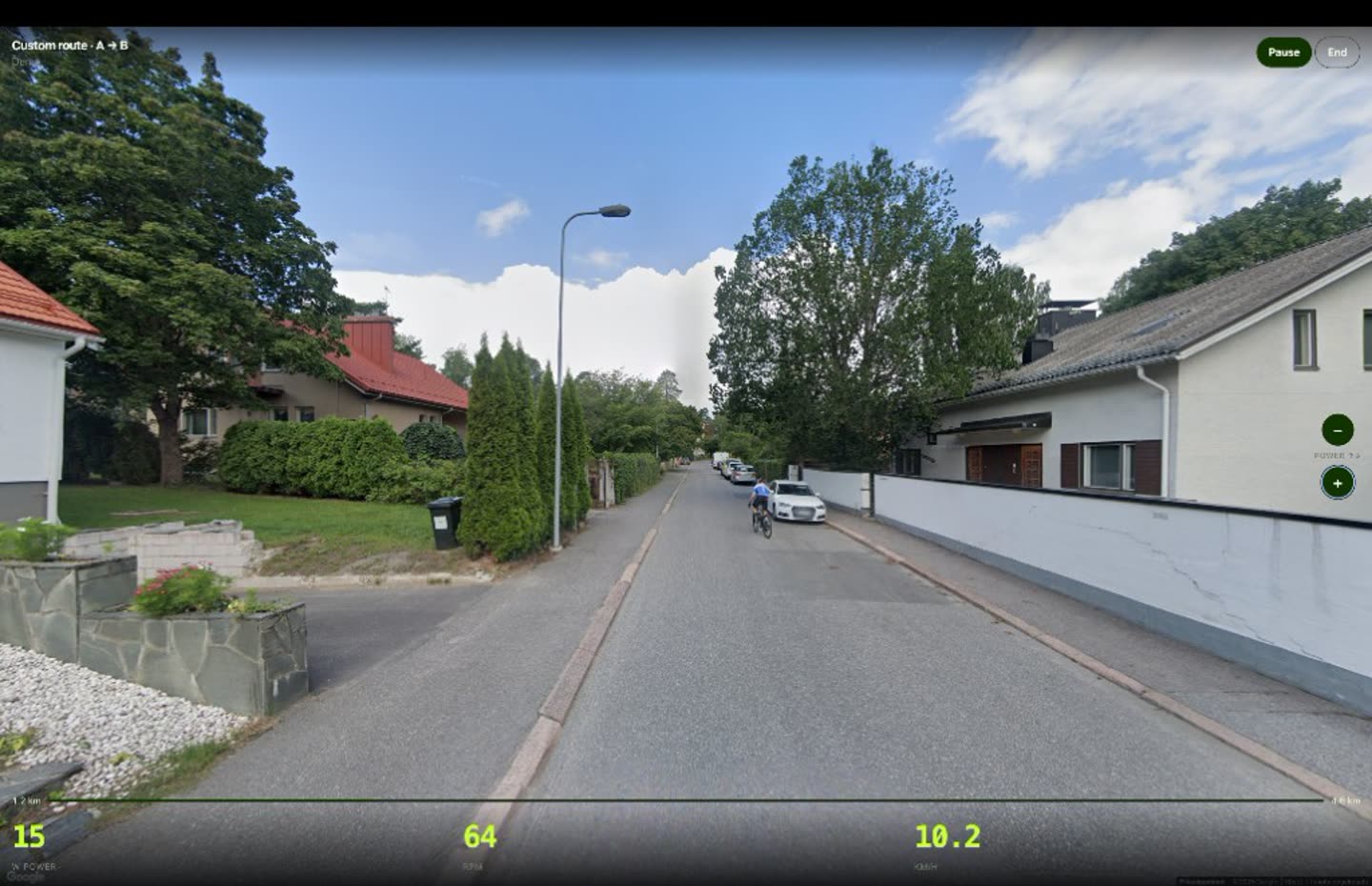
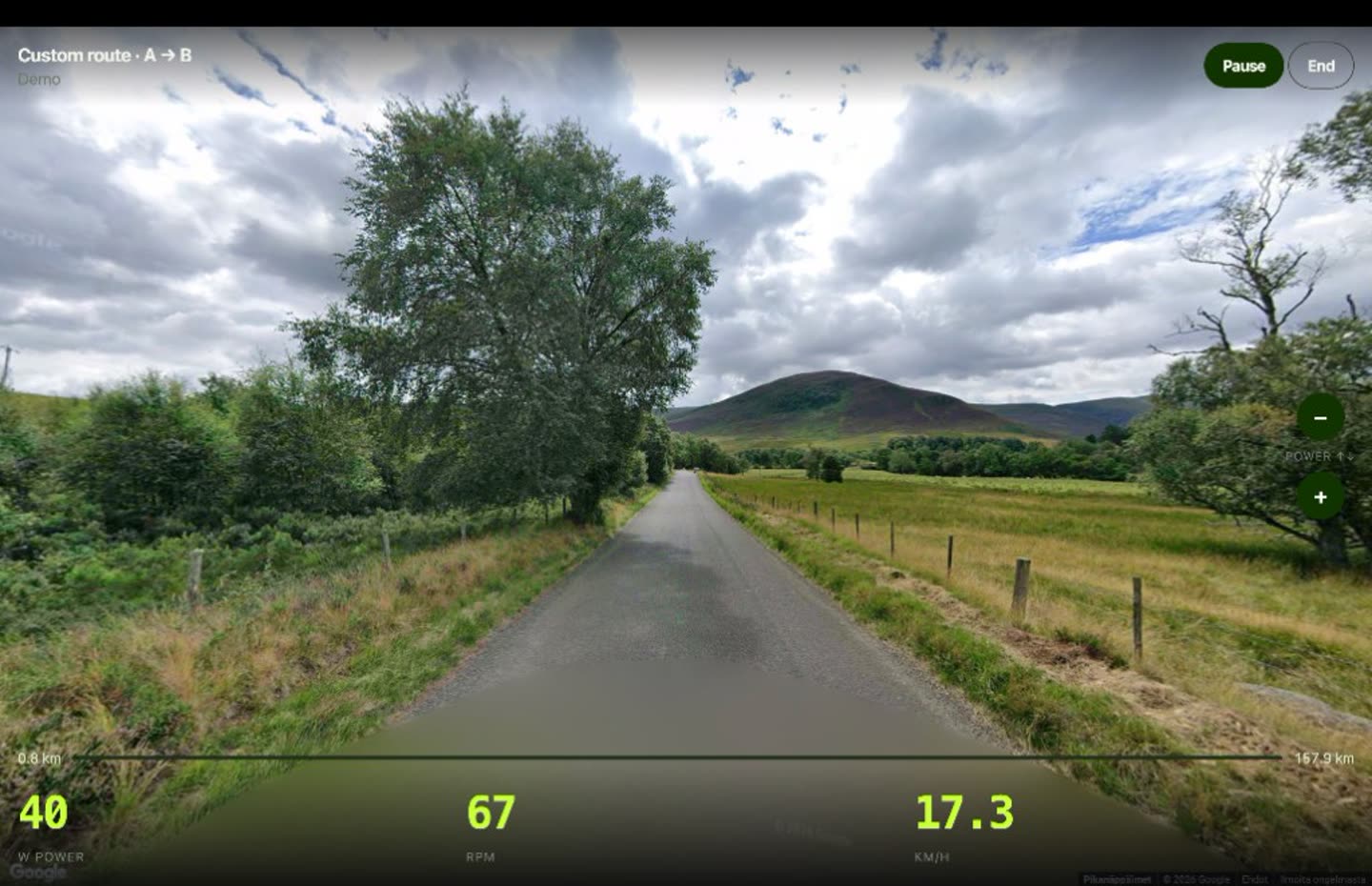
- Ride anywhere Tap a classic climb, or draw A to B on the map. Street View follows your speed.
Pricing
One plan. Any road.
No route packs. No extra climb fees. Indoor cycling on real Street View streets.
Monthly
$9 / month
Start with a 7-day free web trial, then billed monthly through Stripe. Cancel anytime.
- 7-day free web trial
- Any Google Street View road
- Custom A → B routes
- Famous climbs as quick starts
- Wahoo KICKR and compatible BLE trainers
- Demo without a trainer
- Cancel anytime
Web trial converts to $9/month unless canceled. iPhone: $9.99/month in the App Store, or Apple’s local price.
By subscribing you agree to the Terms, Privacy Policy, and Refund Policy.
Plan your Street View ride
Ride any covered Street View road. VirtualRide uses real places, while Zwift uses a virtual world. Street View is panoramic imagery rather than continuous filmed video.
Indoor cycling with Google Street View · Supported trainers · Smart trainer virtual cycling · Wahoo KICKR setup
Ride your neighborhood (or race course) indoors
Best Zwift alternatives · Zwift vs real streets · Browse virtual cycling routes
FAQ
Can I cycle anywhere in the world?
Yes. Pick any road Google Street View covers — your street, Tokyo, Mallorca, Alpe d’Huez, or a climb nobody put on a list. Type two places or tap start and finish on the map. Coverage follows Google: some remote roads have no Street View.
What is VirtualRide?
VirtualRide is indoor cycling on real streets. You ride a smart trainer at home. Google Street View rolls forward at your speed, on any covered road in the world.
Does VirtualRide work with a Wahoo KICKR?
Yes. Connect a Wahoo KICKR or another Bluetooth trainer that speaks FTMS or cycling power. Pedal harder and Street View moves faster. Supported trainers — among others.
What device do I need?
Use a device and supported web browser with Bluetooth access. Trainer support depends on device, browser, trainer model, and firmware.
Does it work on a phone?
Web access is available now on supported devices. iPhone app is coming soon and is currently in App Store review.
How much does it cost?
Web subscriptions include a 7-day free trial, then cost USD $9 per month, billed by Stripe. Cancel anytime from Billing. iPhone: $9.99 per month in the App Store, or Apple’s local price. No extra fee per climb or route.
Do I need a smart trainer?
For a real ride, yes: Wahoo KICKR or any Bluetooth smart trainer. No trainer yet? Use Demo without trainer to look at the roads first.
Is it only famous climbs?
No. Classics are quick starts. The product is any Street View road you choose.
Coming soon
Send the ride when you stop
Strava upload first — tap End, send the activity. Then a FIT file for Garmin and other apps. Wahoo KICKR already pairs over Bluetooth. iPhone has no ANT+.
- Strava
- Garmin
- Wahoo