Wahoo KICKR setup
Wahoo KICKR + Google Street View Cycling
Use KICKR effort to travel along real roads. VirtualRide reads trainer data over Bluetooth while Google Street View provides scenery.
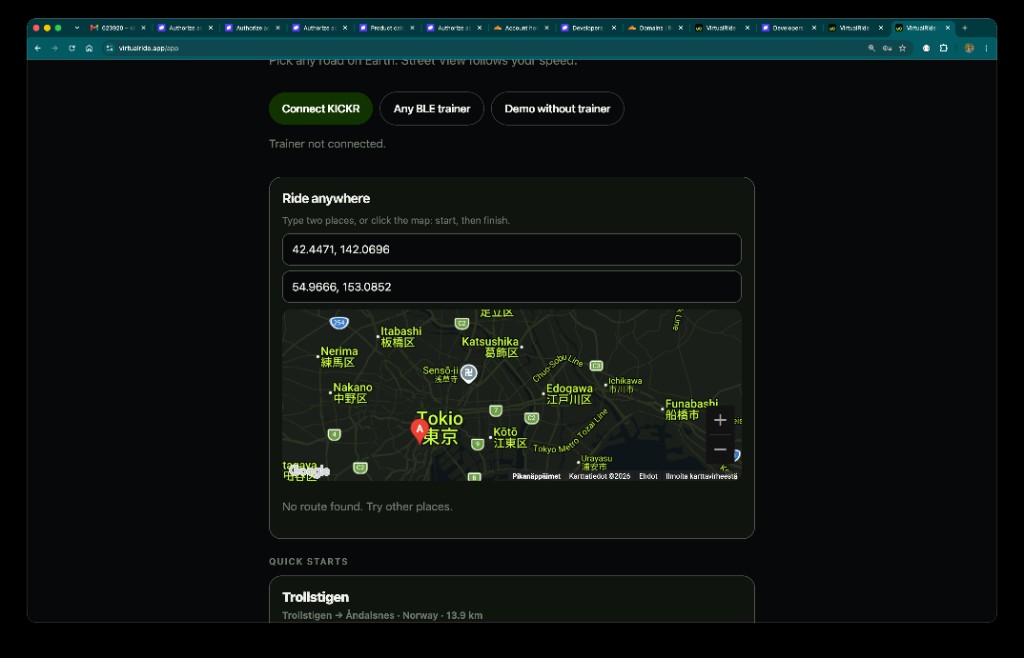
Pair KICKR
- Wake trainer by pedalling and close other apps connected to it.
- Select Connect KICKR and choose your trainer in Bluetooth picker.
- Check connected status and choose route.
- Start pedalling. Live watts, cadence, and pace appear over road.
If KICKR does not appear
Another app may own Bluetooth connection. End that session, power-cycle trainer, and try again near device. A firmware update through Wahoo app can also resolve stale Bluetooth behavior.
VirtualRide does not currently send gradient resistance commands. It uses rider output to set visual travel speed, so choose your own resistance mode or gearing for session goal.
Other Wahoo and Bluetooth trainers: see supported trainers.