VirtualRide · indoor cycling on real streets
Indoor cycling on real streets.
Google Street View. Anywhere in the world. Pedal a Wahoo KICKR or any Bluetooth trainer — the road moves at your speed.
- Your street
- Tokyo
- Mallorca
- Trollstigen
- Alpe d’Huez
- Anywhere Street View goes
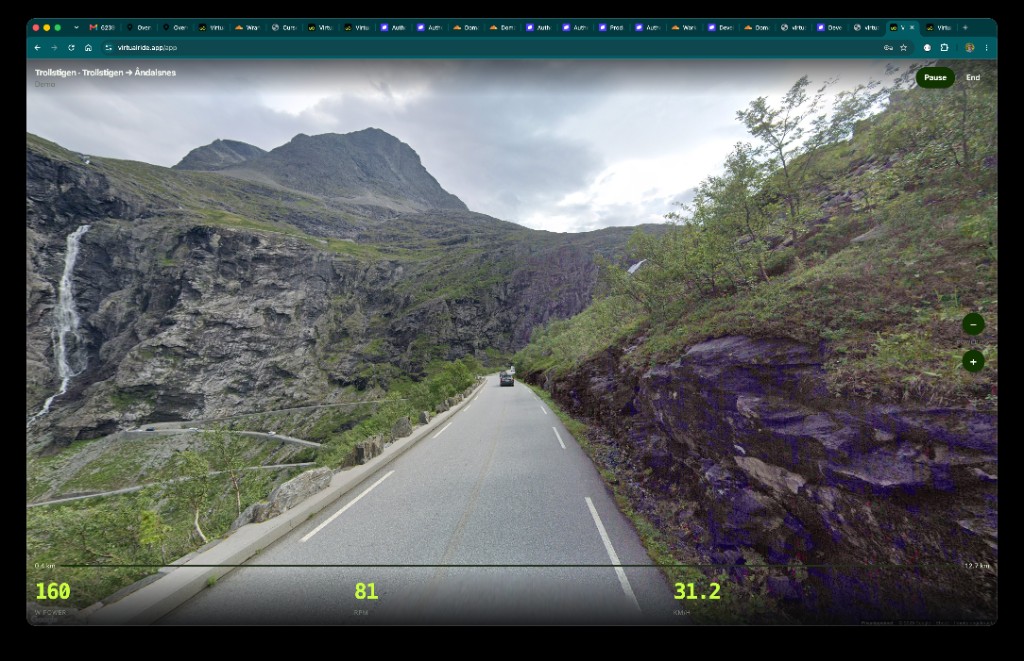
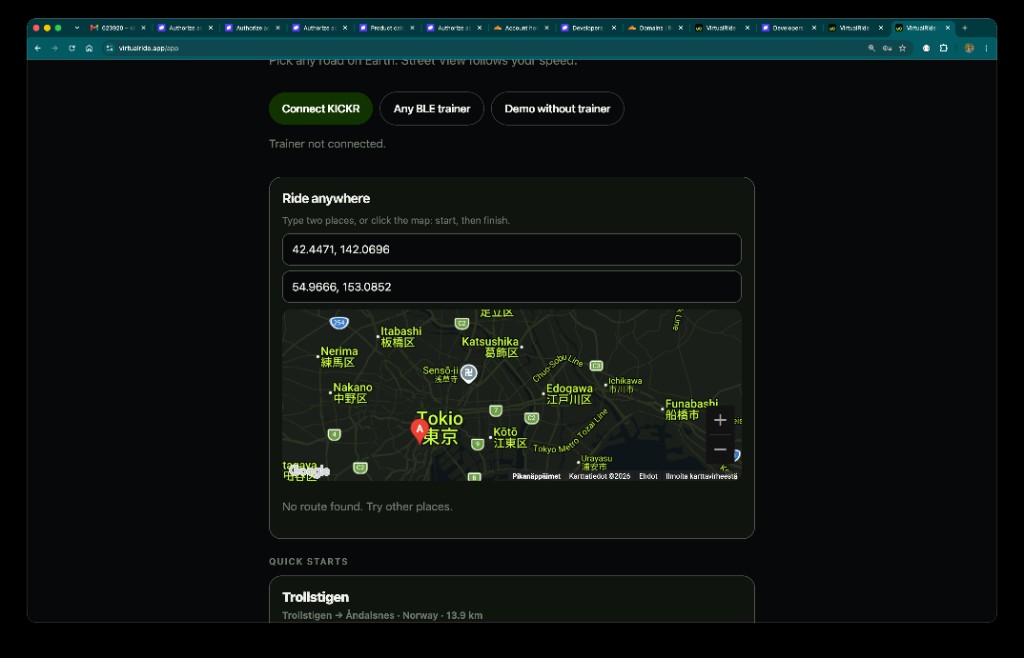
- Anywhere in the world Type a place or tap A to B on the map. Famous climbs are quick starts. You are not stuck on a short list.
- Real Street View streets Not a cartoon island. Real roads, real scenery, Google Street View moving with every pedal stroke.
- Your trainer, your speed Wahoo KICKR or any Bluetooth trainer in Chrome. Pedal harder, the road moves faster. $9/month.
Street View indoor cycling — anywhere
Pick two places. Ride. VirtualRide is indoor cycling on real streets, not a game world.
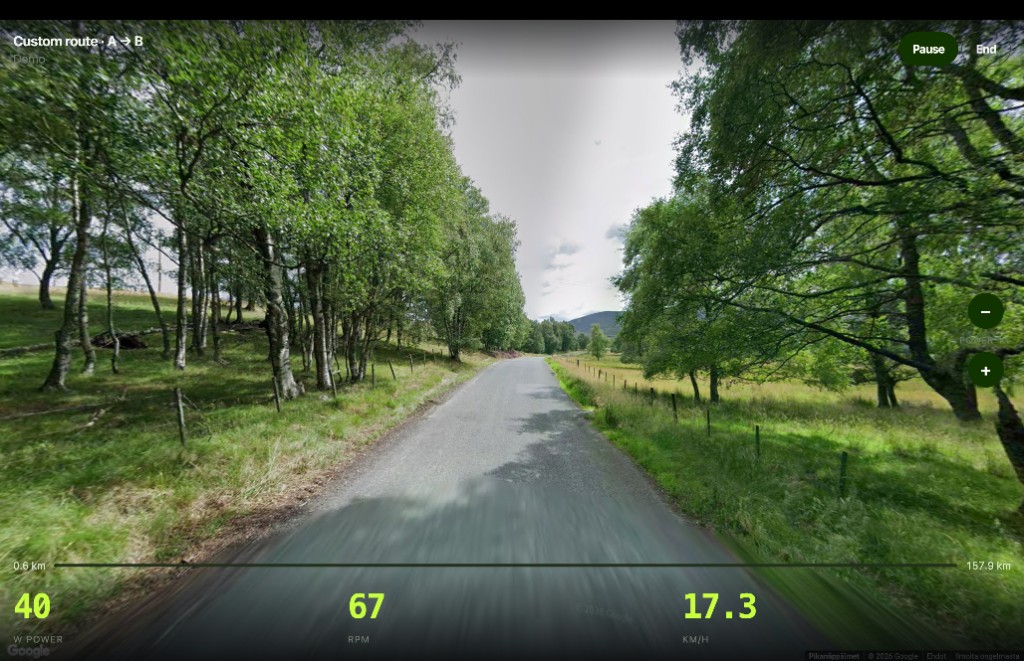
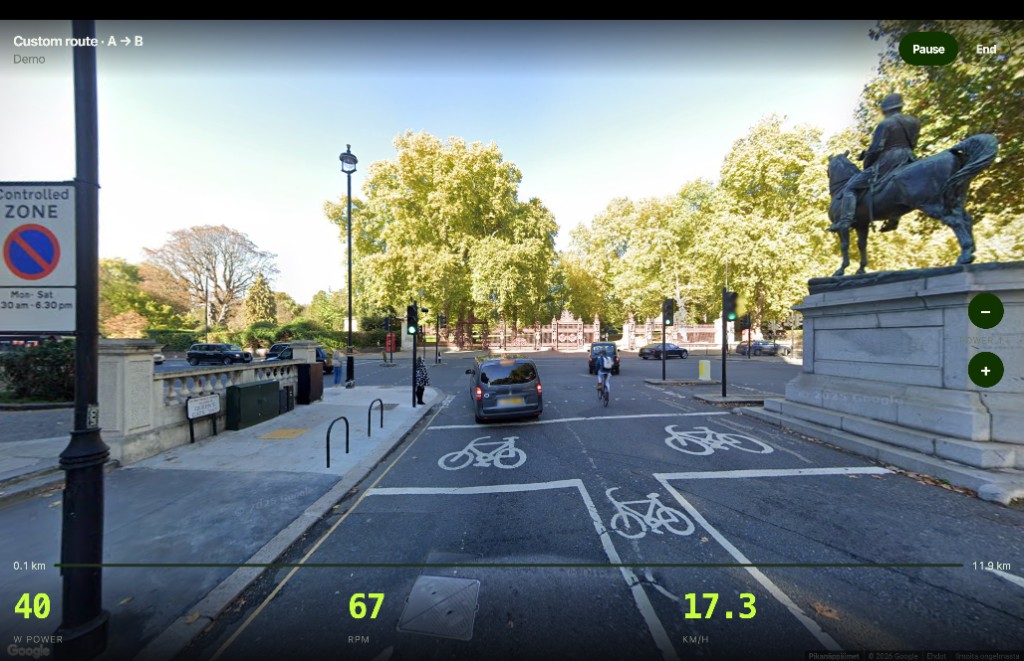
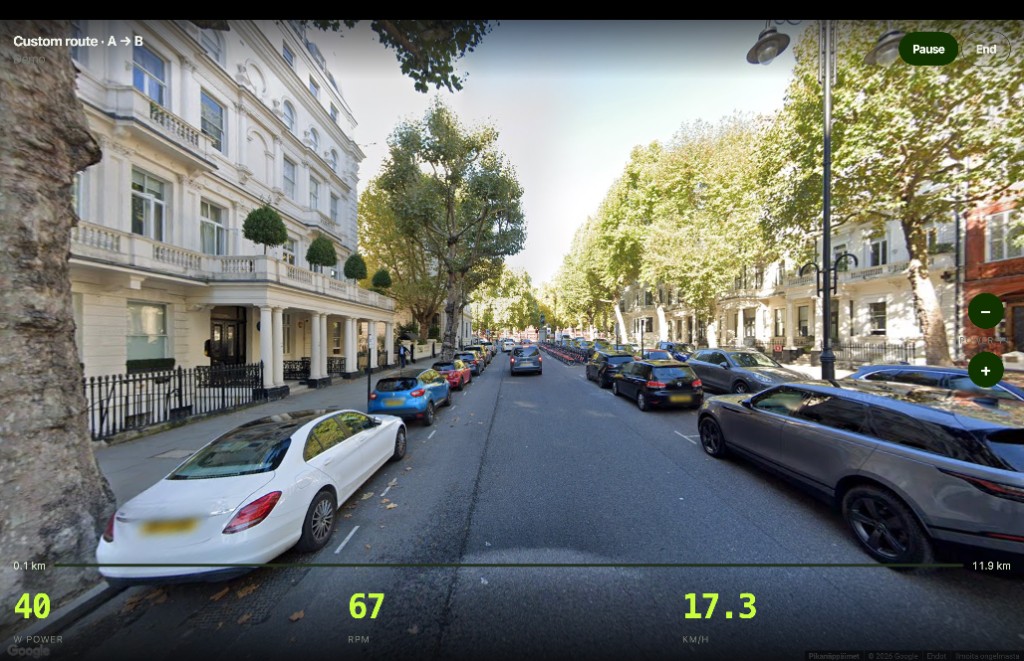
How Street View indoor cycling works
- Subscribe One plan: $9/month. Cancel in billing when you want.
- Connect a trainer Wahoo KICKR or any BLE smart trainer in Chrome. Or Demo without a trainer to look first.
- Ride anywhere Tap a classic climb, or draw A to B on the map. Street View follows your speed.
Ride Google Street View on a smart trainer
Chrome web app. Any Street View road on Earth. Not a game world, not a filmed catalog. $9/month.
FAQ
Can I cycle anywhere in the world?
Yes. Pick any road Google Street View covers — your street, Tokyo, Mallorca, Alpe d’Huez, or a climb nobody put on a list. Type two places or tap start and finish on the map. Coverage follows Google: some remote roads have no Street View.
What is VirtualRide?
VirtualRide is indoor cycling on real streets. You ride a smart trainer at home. Google Street View rolls forward at your speed, on any covered road in the world.
Does VirtualRide work with a Wahoo KICKR?
Yes. Connect a Wahoo KICKR or any Bluetooth smart trainer in Chrome. Pedal harder and Street View moves faster.
Which browser do I need?
Chrome on a computer (Mac or Windows) or Android. That is the browser with Web Bluetooth, so your trainer can talk to the ride. Safari, Firefox, and Edge are not supported for a live trainer.
Does it work on a phone?
Android with Chrome: yes, connect your trainer and ride. iPhone and iPad: use the VirtualRide app (Safari has no Web Bluetooth). Chrome on a laptop still works.
Do I need a smart trainer?
For a real ride, yes: Wahoo KICKR or any Bluetooth smart trainer. No trainer yet? Use Demo without trainer to look at the roads first.
Is it only famous climbs?
No. Classics are quick starts. The product is any Street View road you choose.
Membership
Go ride anywhere in the world.
$9/month
Indoor cycling on real Street View streets. Cancel when you want.
By subscribing you agree to the Terms, Privacy Policy, and Refund Policy.